


ShinyImage
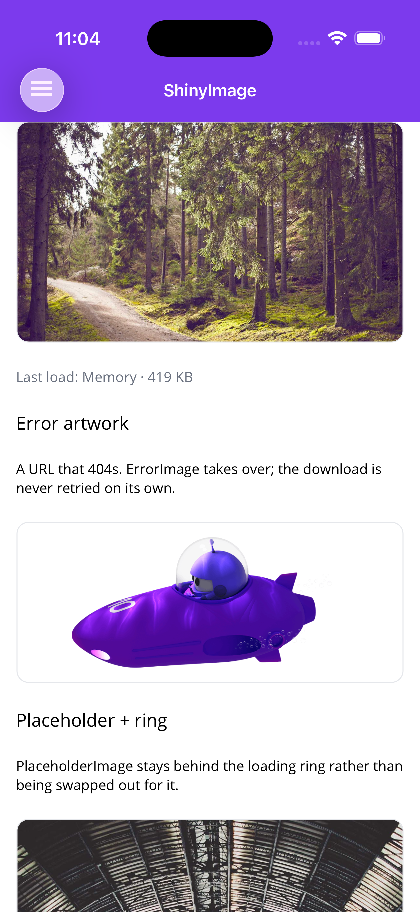
An image that always shows something: placeholder artwork, a loading ring, the image itself, or error artwork. On MAUI it loads through an IImageService that caches to memory and disk, caps how many downloads run at once, and collapses concurrent requests for the same URI into a single download — and it renders SVG as vectors rather than as a rasterized bitmap. On Blazor it streams through fetch so the ring can report a real percentage.


Screenshots
Section titled “Screenshots”MAUI (iOS)
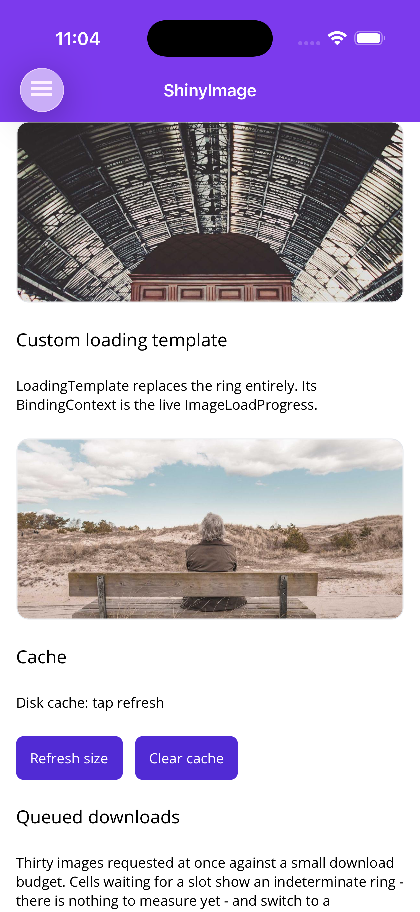
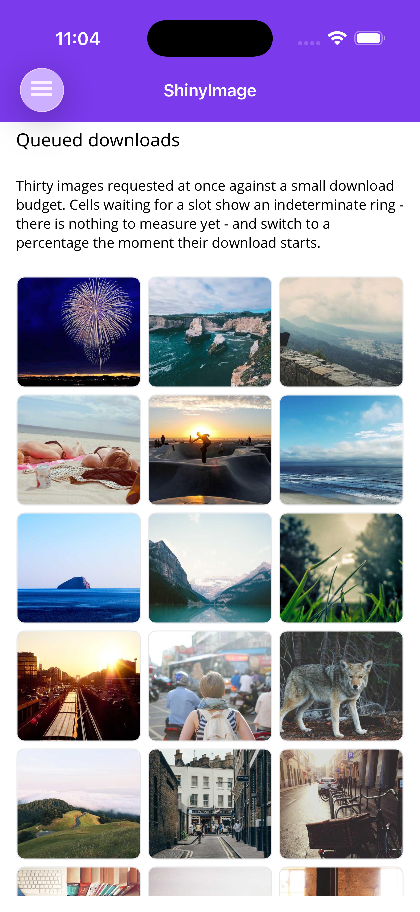
| Loaded, error artwork, placeholder | Custom loading template | Queued downloads |
|---|---|---|
 |
 |
 |
Blazor
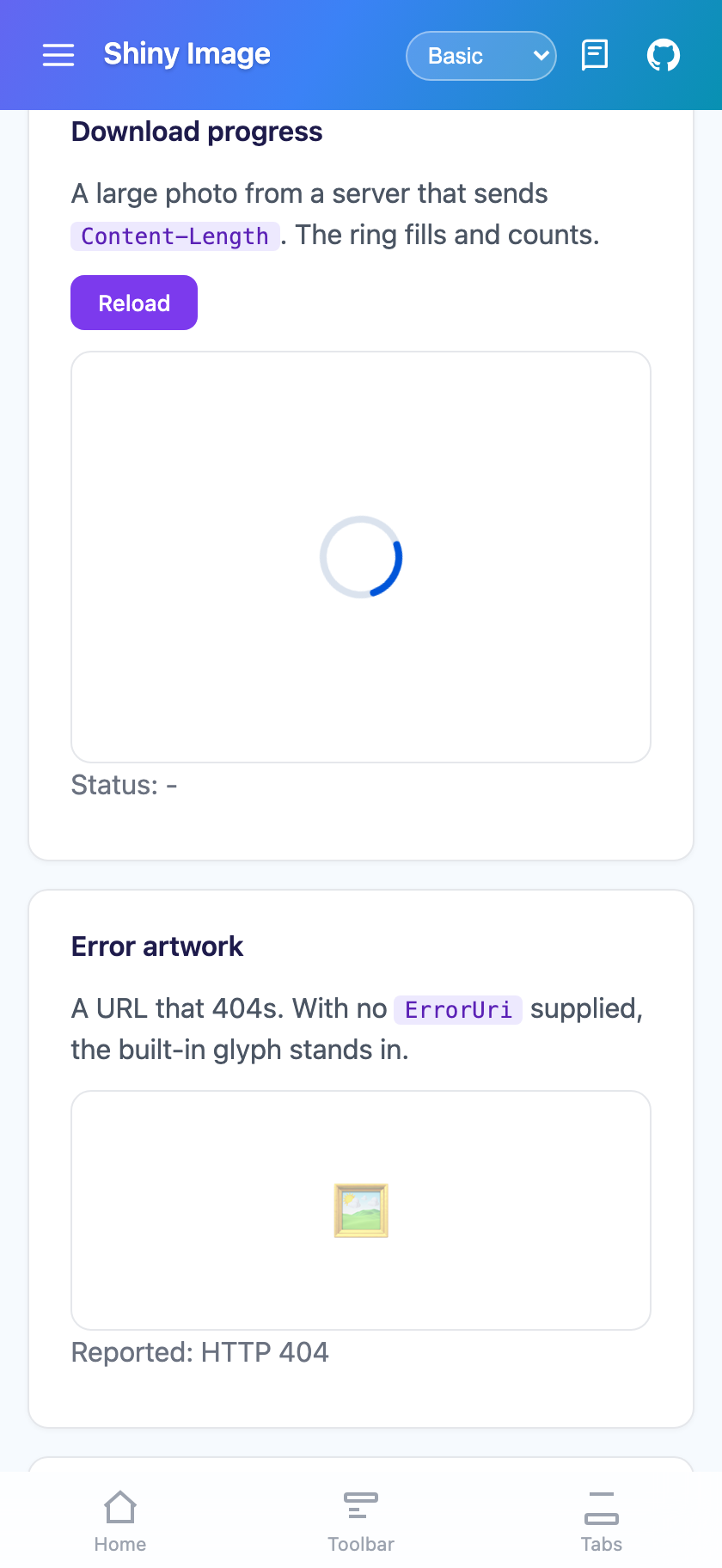
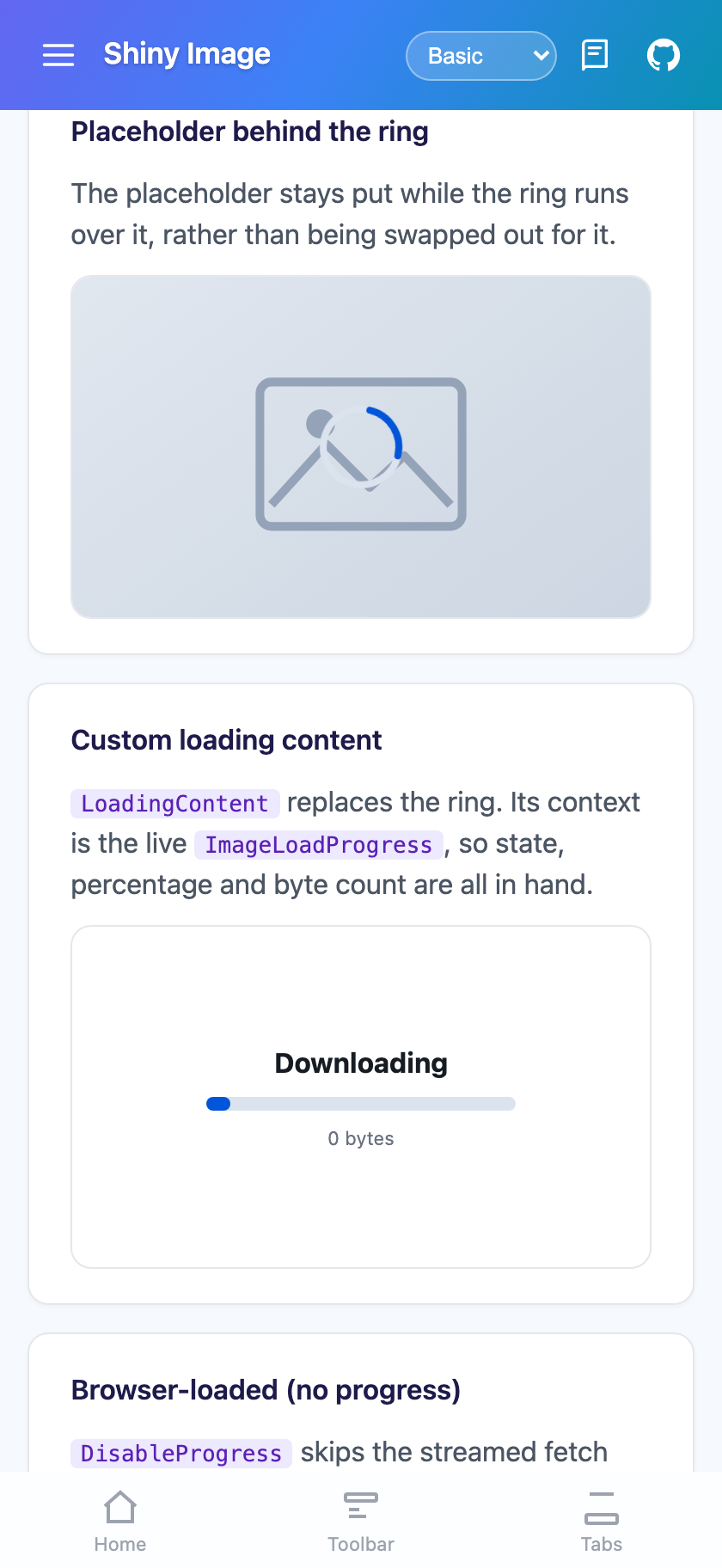
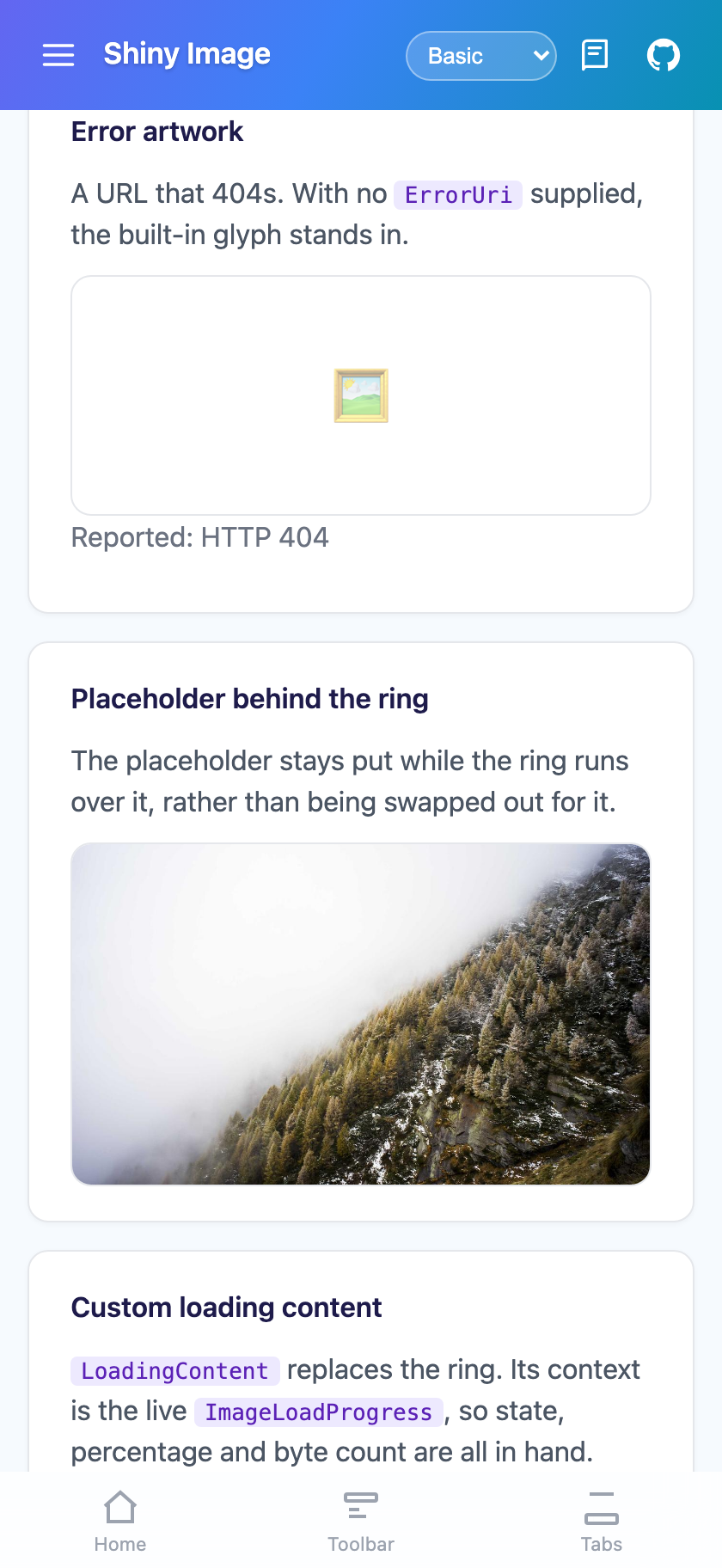
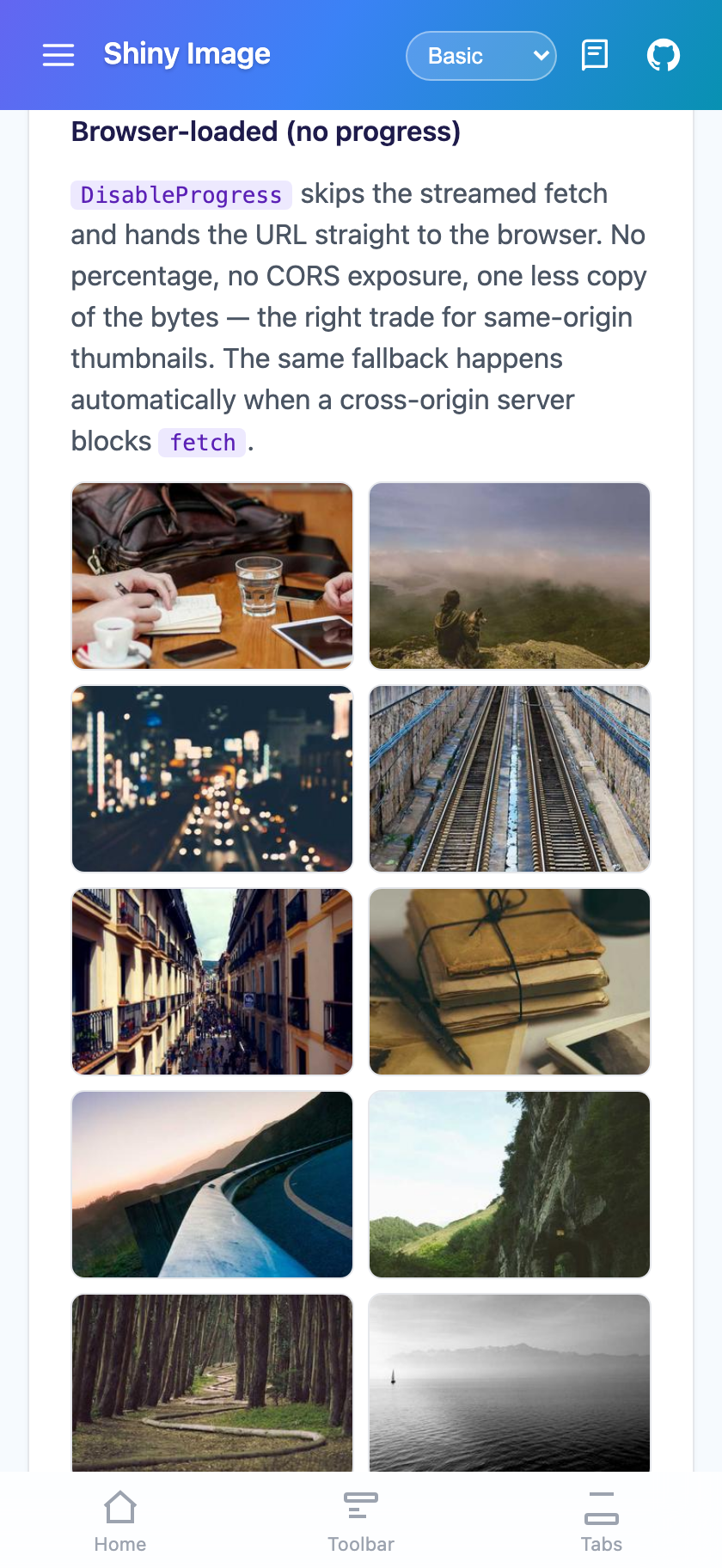
| The ring | Placeholder behind the ring | Error artwork | Browser-loaded thumbnails |
|---|---|---|---|
 |
 |
 |
 |
Basic Usage
Section titled “Basic Usage”MAUI
<shiny:ShinyImage Uri="{Binding AvatarUrl}" PlaceholderImage="avatar_placeholder.png" ErrorImage="broken_image.png" Aspect="AspectFill" HeightRequest="120" />Blazor
<ShinyImage Uri="@PhotoUrl" PlaceholderUri="/images/placeholder.svg" Alt="Profile photo" ObjectFit="cover" />The placeholder sits behind the loading ring rather than being swapped out for it, so a blurred thumbnail with a progress ring over it is two properties.
The ring picks its own mode
Section titled “The ring picks its own mode”There is no IsIndeterminate to set. Percent is null in exactly the cases where a percentage would be a lie:
- the request is queued, waiting for a download slot — nothing has been measured yet
- the response carried no
Content-Length(chunked transfer, or a proxy that stripped it) - the source is local, so there is nothing to stream and nothing to measure
- the browser is loading the image itself (the Blazor CORS fallback)
Null means the ring spins; anything else means it fills and counts. Bind Uri and let the control decide.
One property, five kinds of source
Section titled “One property, five kinds of source”Uri is the only thing most pages bind. It takes a remote URL, a file path, a bundled asset, an embedded resource via resource://, or an inline data: URI — and the control decides what to do with each. Raster or vector is decided by looking at the payload, not the file extension.
<shiny:ShinyImage Uri="https://cdn.example.com/photo.jpg" /><shiny:ShinyImage Uri="resource://MyApp.Assets.logo.svg" /><shiny:ShinyImage Uri="art/diagram.svg" />See Image Sources for what each form means and how it is resolved.
Where to go next
Section titled “Where to go next”| Page | What it covers |
|---|---|
| Image Sources | Every Uri form — remote, file, bundled asset, resource://, data: — and the explicit Source |
| SVG | Vector rendering on MAUI, per-placement tinting, the parse cache, and exactly what is and is not drawn |
| Progress & Templates | ImageLoadProgress, and replacing the ring or the error artwork on either host |
| Caching & ImageService | The MAUI memory/disk tiers, the download queue, de-duplication, and bringing your own HttpClient |
| Blazor | Why there is no cache layer, streamed progress, the CORS fallback, and authenticated images |
| Properties & Events | The full property tables for both hosts |
AI Skill
Section titled “AI Skill”Step 1 — Add the marketplace:
claude plugin marketplace add shinyorg/skillsStep 2 — Install the plugin:
claude plugin install shiny@shinyOne plugin installs all 35 Shiny skills. Your agent loads only the skill relevant to what you're building, so there's no cost to having them all available.
Step 1 — Add the marketplace:
copilot plugin marketplace add https://github.com/shinyorg/skillsStep 2 — Install the plugin:
copilot plugin install shiny@shinyOne plugin installs all 35 Shiny skills. Your agent loads only the skill relevant to what you're building, so there's no cost to having them all available.